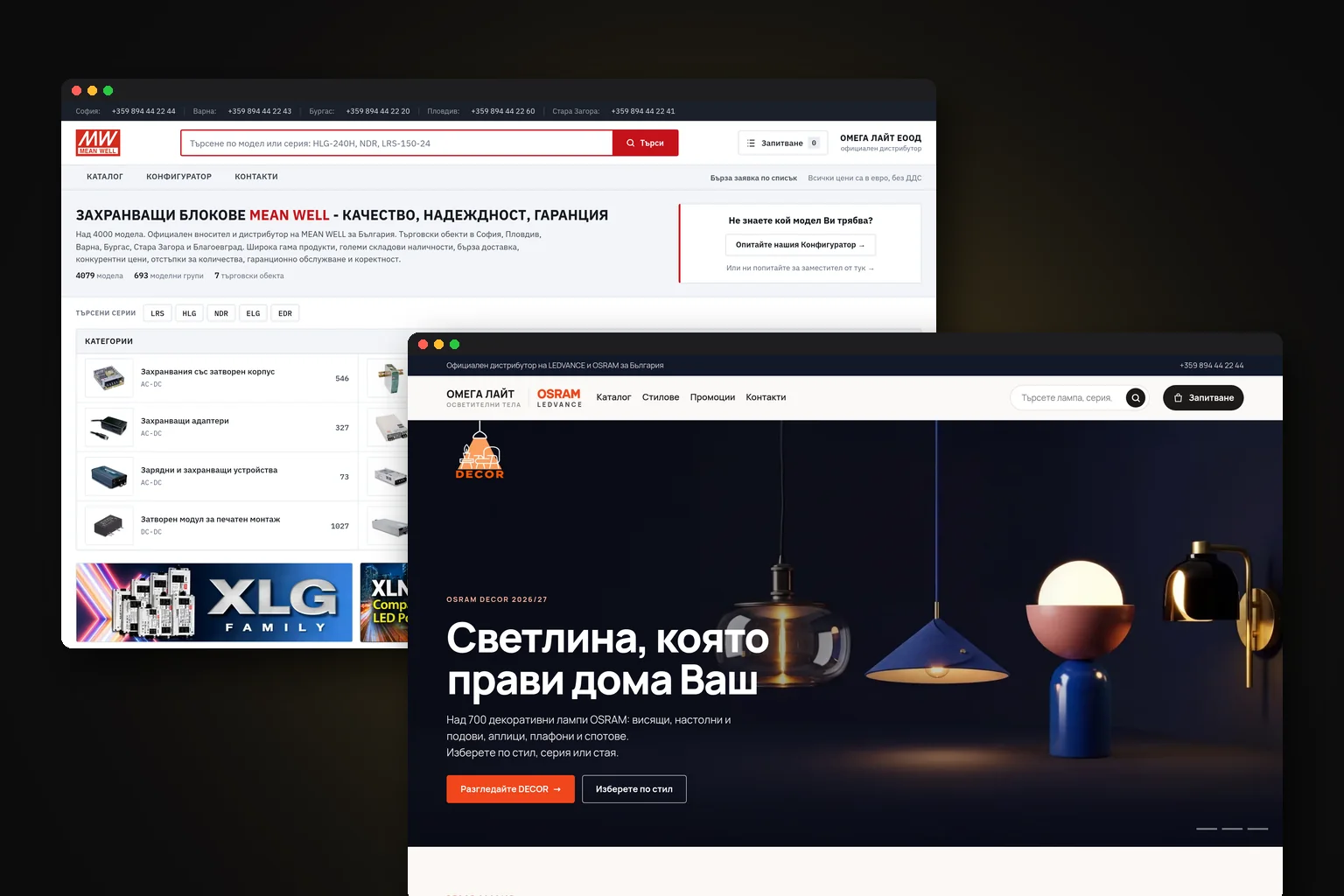
How to Build an Online Store in Bulgaria
To build an online store that works, first map out how a real sale takes place. Then choose a platform, prepare your catalogue, and connect the store to payments, a courier, your warehouse, and accounting. This way, you will not end up paying for a beautiful catalogue that your team then has to process manually in spreadsheets and chats.
 Ивелин КириловChief Technology Officer (CTO)
 Владислав БарковManaging Director

What do you need to decide before development?
An online store is more than a catalogue with an “Add to cart” button. The customer chooses a product, pays or requests cash on delivery, the order enters the system, an employee confirms it, the courier receives the details, the warehouse stock is reduced, and the customer gets a notification. Each of these stages needs its own rule and status.
Your sales model determines almost everything that follows. There is a difference between a store with its own warehouse, dropshipping, made-to-order sales, a B2B catalogue with individual prices, and a digital products store. The required integrations, delivery methods, payment options, and the way prices are displayed all differ.
Questions you need to answer
- What are the main categories, and how many products will you have at launch?
- Do you have your own warehouse, do you work with suppliers, or do you combine both models?
- Will you sell to individuals, businesses, or both?
- Which couriers do you use, and how will waybills be created?
- Will you accept cards, cash on delivery, bank transfers, or payments by link?
- Who will enter the products, process the orders, and respond to customers?
- Do you have an ERP, warehouse management system, or CRM that the store needs to exchange data with?
Which platform is right for your store?
There is no single best platform for everyone. For a small catalogue and a standard process, a ready-made cloud service can be a sensible starting point. If you want control over the code and SEO structure, WooCommerce is a flexible option. With different customer prices, minimum quantities, order approval, multiple warehouses, or a specific checkout, a custom solution is often more reliable than a collection of plugins.
| Option | Best suited for | Advantages | Limitations |
|---|---|---|---|
| Ready-made cloud platform such as CloudCart or Shopify | A quick start and a standard catalogue | Shorter implementation, ready-made features, and less technical maintenance | Monthly fees, limitations with non-standard processes, and dependence on the platform |
| WooCommerce | Businesses that want WordPress and more control | Flexible SEO structure, many extensions, and self-hosting | Updates, security, and compatibility between extensions are your responsibility |
| Custom e-commerce solution | Complex B2B rules, a large catalogue, or a specialised warehouse | The store is built around your logic and can connect to your ERP and CRM | Higher upfront investment and the need for a clear specification |
| Existing ERP system with an online store | Businesses with large inventories, many orders and extensive internal operations | A single source of truth for products, prices, inventory and customers | The integration must be well designed; not every ERP system is ready for e-commerce |
For B2B sales, the catalogue does not always need to lead directly to payment. The customer may send an enquiry, receive a tailored quote and only then place an order. This process is closer to online store development than to a standard store with the same price for everyone.
How much does an online store cost in Bulgaria?
The cost depends mainly on the catalogue, design, quality of the product data and number of integrations. For a standard store, the guideline price is €840-€6,300. A more complex catalogue with custom design, filters, data import, courier and payment integrations falls towards the upper end of the range. A custom store with ERP logic, B2B rules and a non-standard checkout may require €3,000-€29,300 for development and the related systems.
| Cost | Price | What affects it |
|---|---|---|
| Standard online store | €840-€6,300 | Number of templates and products, data entry method and need for basic integrations |
| Complex store | €840-€6,300 | Custom design, filters, couriers, payments, catalogue import and automation |
| Custom store and integrations | €3,000-€29,300 | ERP or CRM integrations, B2B rules, warehouses, roles, quotes and a custom checkout |
| Support | €100-€350 per month | Hosting, monitoring, updates, backups, incident response and minor changes |
| SEO and advertising | Included in the quote | Competition, margin, average order value and content volume |
These ranges are for planning, not an automatic quote. Add platform fees, payment processor fees, courier charges, hosting and advertising channels separately. The biggest factors are the readiness of the product data and the number of systems the store needs to exchange information with.
How should you organise payments and deliveries?
In Bulgaria, cash on delivery, card payments and bank transfers are often combined. For made-to-order products, payment by link or payment in advance may make sense. Choose the methods based on your margin, the risk of undelivered parcels and the way your team operates.
The courier integration should transmit the customer's name and phone number, address or office, cash-on-delivery details, inspection and testing options, weight and number of parcels. When a waybill is created automatically, the employee does not have to re-enter this data from one screen into another. The store should have clear statuses: new, confirmed, shipped, delivered, returned or refused.
Also check the scenarios that are often overlooked: an undelivered parcel, partial fulfilment, exchange, return and refund. These are not exceptions. If the system only knows the status “paid”, the team will track everything else in spreadsheets and chats.
What SEO structure should you have from day one?
SEO is not added after the design as a final layer. Categories, filters, page URLs and internal links are part of the store's architecture. A good structure helps both customers and Google understand what you sell.
- Create categories based on how customers search, not just on your internal inventory logic.
- Use short, consistent URLs for categories and products.
- Write unique titles, meta descriptions and copy for important categories.
- Add breadcrumbs and structured data for products, prices, availability and ratings where applicable.
- Make filters useful, but do not allow every combination to create an indexed duplicate page.
- Plan redirects if you are replacing an old store or changing its URLs.
- Check mobile speed, images, canonical URLs, sitemap and robots.txt.
With a large catalogue, you need a process for importing and updating data. Prices, availability, technical specifications and images should not be edited in several places without proper controls. In SEO optimisation, technical structure and content are considered together because one cannot compensate for problems in the other.
How do you connect the store to your warehouse, ERP and CRM?
If you sell only a few products and process a small number of orders, you can start with just the admin panel. With more inventory, suppliers, employees or B2B customers, you need to decide which system is the source of truth for products, prices, stock levels and customers.
For example, the ERP can be the source of warehouse quantities and invoices, while the store serves as the place for the catalogue and checkout. The CRM can store the customer's history, enquiries and repeat sales. Data is exchanged via API or a reliable import, not by manually copying between Excel files.
A practical example is Q-Parts.bg. VIN search, make and model filters, and Econt integration show why a specialised process should be designed in advance rather than added after launch.
When planning an integration, clarify what happens when something goes wrong. If the API connection is interrupted, there should be a log, an alert and a way to resend the data. Otherwise, one failed synchronisation can show incorrect stock levels or send an order twice. Learn more about connecting different systems in API integrations and software connectivity.
What legal and operational requirements should you check?
Before launch, prepare your terms and conditions, privacy policy, cookie information, delivery and returns terms, trader details and contact information. Check the requirements for consumer protection, GDPR, VAT and invoicing with your accountant. The specific obligations depend on the type of goods, customers and sales model.
Do not automatically copy text from another store. Your terms should describe your actual process: deadlines, couriers, payments, complaints, cancellations and refunds. The same applies to consent for marketing emails and the way customer data is stored.
What does the online store development process look like?
- 01Define the business model and goals
You define the products, customers, markets, channels, warehouse, deliveries, payments and team roles. The result is a list of required features, not a vague promise of a “modern store”.
- 02Organise the catalogue and content
You prepare categories, attributes, images, descriptions, prices, stock levels, variants and delivery rules. Missing data is a common reason for project delays.
- 03Design the order process and integrations
You define order statuses, returns, invoicing and exchanges with the courier, payment provider, ERP or CRM. You choose which system is the source of each piece of information.
- 04Build the store and SEO foundation
The templates, mobile version, checkout, admin panel, categories, URLs, metadata and structured data are developed.
- 05Test with real-world scenarios
You place test orders by card, cash on delivery and bank transfer, as well as tests with an incorrect address, an out-of-stock product, a return and a cancellation. You check the emails, shipping labels, stock levels and invoices.
- 06Launch and measure
You set up analytics, advertising conversions, cart and purchase events, Search Console and alerts. After launch, monitor where customers drop off instead of looking only at visits.
What should you do after launch?
The first few weeks are a period for checking and fine-tuning, not a reason to change the platform immediately. Track completed orders, searches with no results, declined payments, returned parcels, the most common questions and products that are viewed but not purchased.
SEO work includes technical fixes, new content and improving categories based on actual searches. Google and Meta ads can bring traffic faster, but they need to be connected to actual purchases, not just clicks. Abandoned-cart and repeat-purchase emails only make sense when they match the catalogue and customers' consent.
Plan for ongoing maintenance: updates, backups, monitoring, security, integration checks and small changes. The store is a working system. Its value is measured in processed orders and saved manual work, not just on the homepage.
Frequently asked questions
- How long does it take to build an online store?
- A standard store can be ready in a few weeks if the catalogue and key decisions are prepared. A custom store with ERP, B2B rules and several integrations requires more time for planning, development and testing.
- Which platform is best for an online store in Bulgaria?
- For a quick start, you can choose a ready-made cloud platform, while WooCommerce offers control over WordPress and SEO. For a specialised warehouse, B2B pricing or complex processes, a custom solution is often more suitable than adding numerous plugins to a ready-made platform.
- Does an online store need ERP integration?
- Not always. With a small catalogue and few orders, you can work with just the admin panel, but with large inventories, suppliers, employees or B2B customers, integration reduces manual data transfer and the risk of incorrect data.
- How much does online store maintenance cost?
- Maintenance costs €100-€350 per month depending on the platform, workload and included activities. The advertising budget, payment provider fees and courier fees are paid separately.
- Can I launch the store first and do SEO later?
- You can, but this often leads to changes to categories, URLs and templates after launch. It is more cost-effective to make the core SEO structure part of the development and expand the content afterwards.